None of that is complicated.
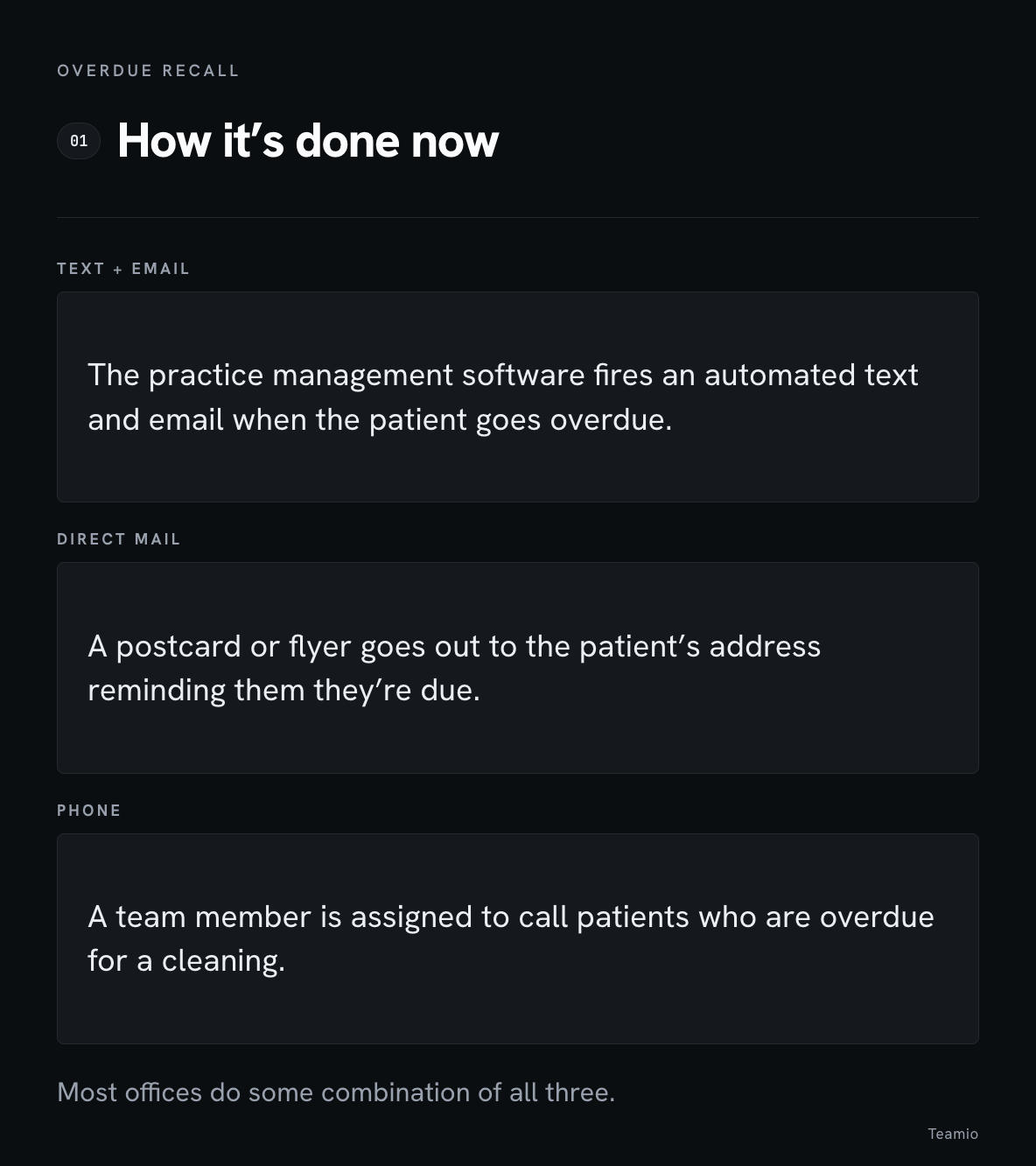
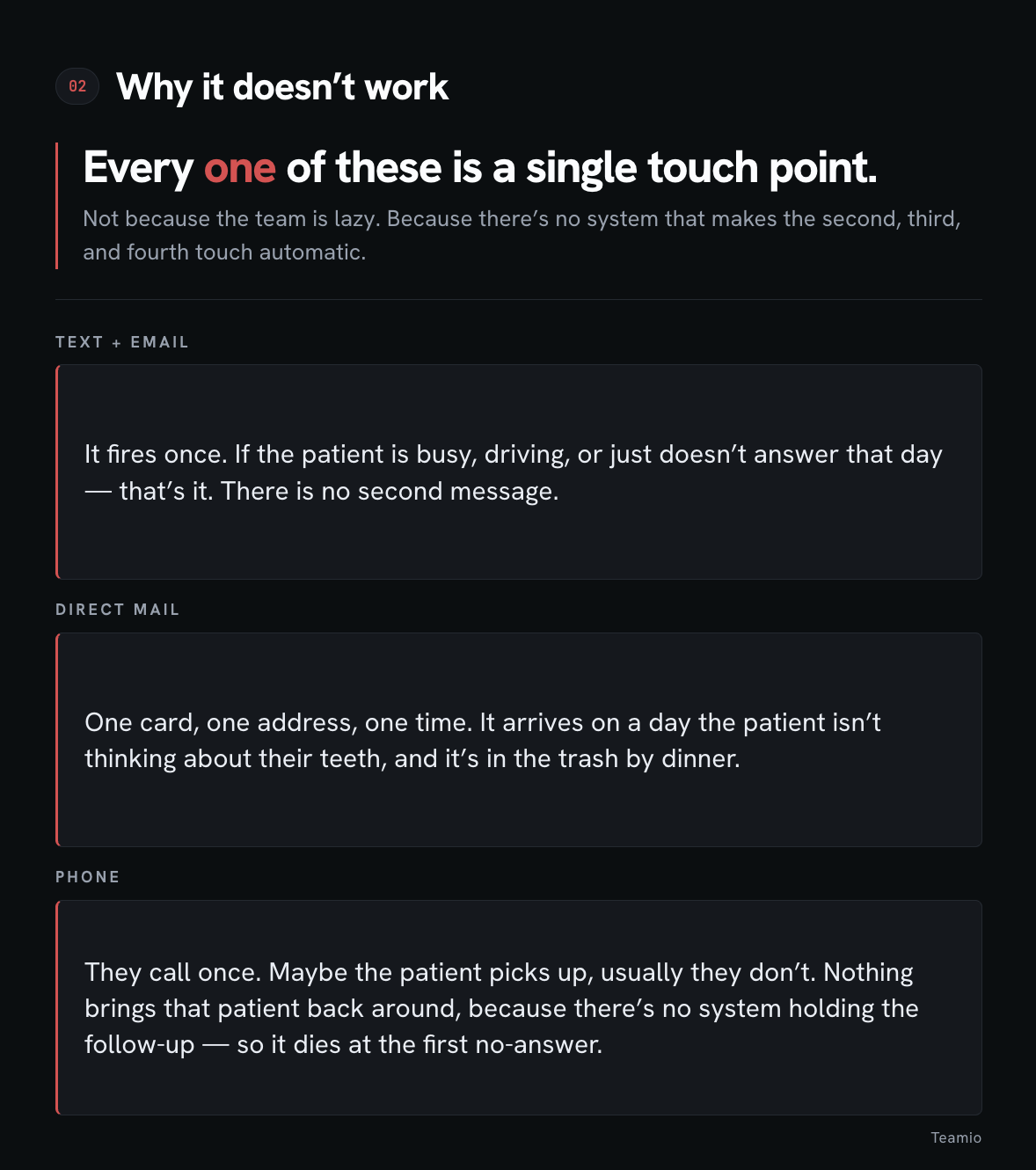
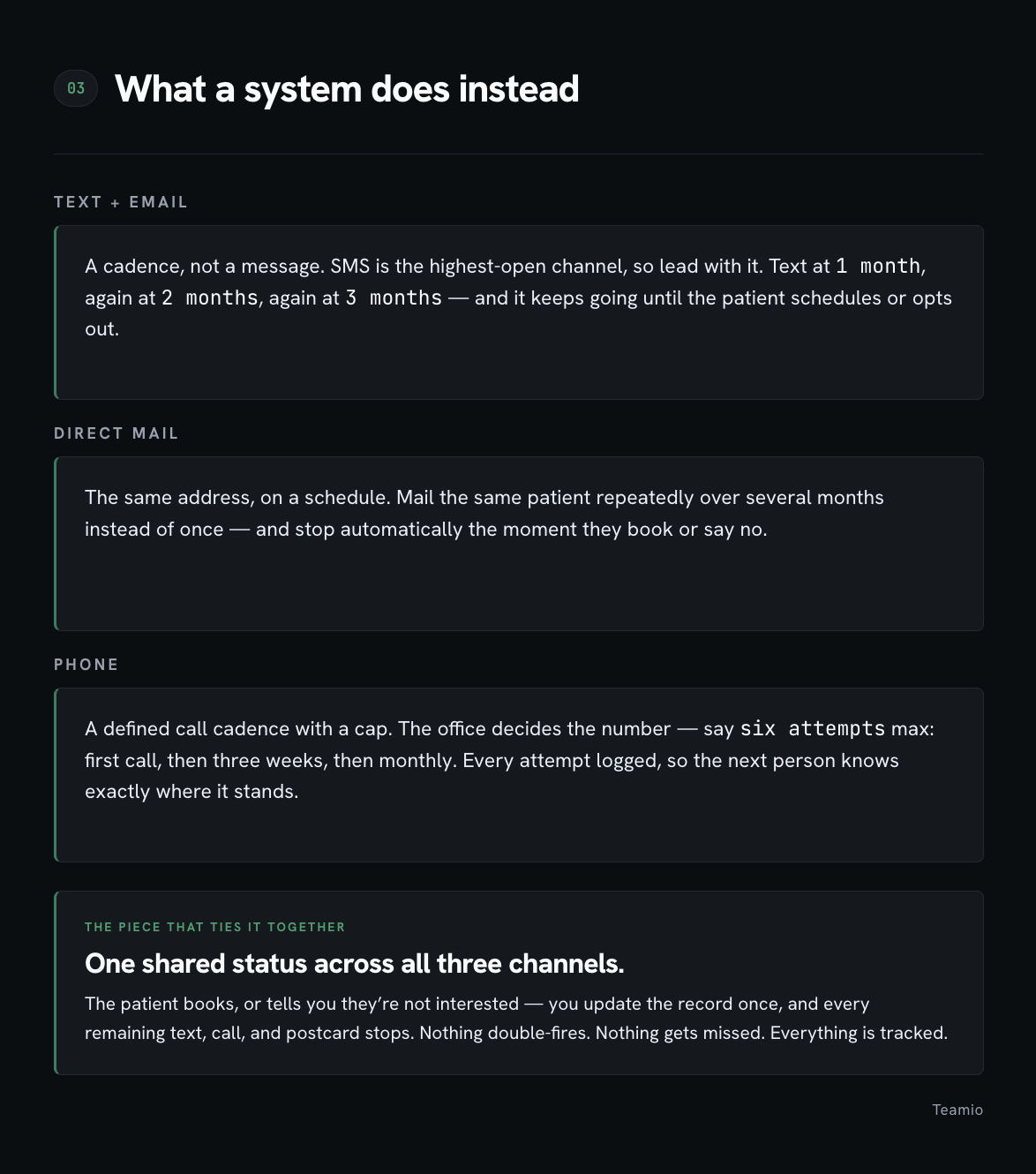
Same three channels. The only thing that changes is that each one becomes a sequence instead of an event.
And then there's the piece that most offices skip, which is the one that actually determines whether this works: all three channels share one status.
The patient books, or they tell you they're not interested — you update the record once, and every remaining text, call, and postcard stops.
If a patient schedules on Tuesday and still gets a "we miss you!" text on Thursday, that's not automation. That's an apology you now have to make.
Everything above is true whether you use our software or a legal pad.
But a few of you have asked me what this looks like in practice, so here's the honest version — including which plan you may be on (core vs all-in-one)
1. Catch the leak the day it happens. (Core)
Before you chase anybody, find out how many patients are walking out with no next visit booked.
Pull your pre-appointment rate out of Analytics and look at it honestly — every office believes this number is higher than it is.
Then put it in front of the team daily.
Huddle shows you who came through yesterday, and the owner reports land in your inbox without anybody running anything.
A patient who leaves with nothing scheduled is a patient who ends up in that bucket in two years. That's the cheapest place to fix this, by a wide margin.
2. Give the list an owner and protected time. (Core)
Recall follow-ups sit in the same queue as unscheduled treatment and AR, assigned to a person, not to "the front desk." Put a recurring Task against it with a standing block on the schedule.
This is the part I built first, for myself, because I couldn't tell whether any of it was actually getting done. Work with no name on it loses to whatever is on fire that morning. Every single time.
3. Log every attempt where the whole team can see it. (Core)
Every call, every text, every outcome, on the patient's follow-up record. Not a sticky note. Not somebody's memory.
I want to be clear about why this one matters more than it looks. Follow-up doesn't die because anyone gave up — it dies because attempt two requires knowing attempt one happened. If that lives in one person's head, it disappears the day they're out sick. Logging isn't for you to check up on the team. It's what makes the third call possible at all.
4. Decide the cadence before you send anything. (Automation Workflow — Core. Automated recall reminders — Patient Engagement.)
Write down what happens on day 1, day 30, day 60, day 90, and cap the number of attempts. Then stop hand-running it. Automated recall reminders keep going out on their own, and the workflow assigns the human follow-ups to whoever owns them on the right day.
If you can't answer "what happens on day 60," you don't have a system yet. You have a campaign, and campaigns work once.
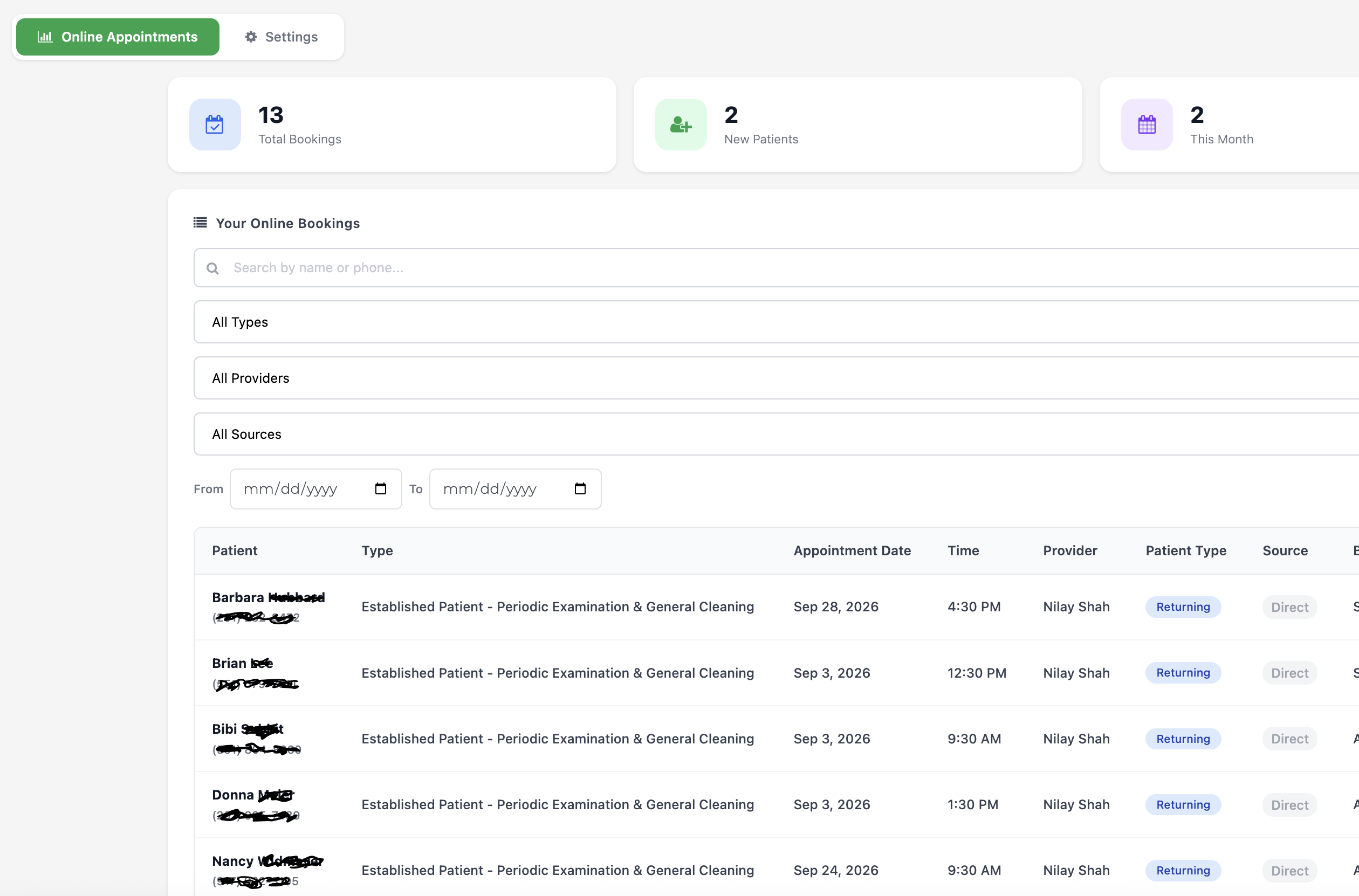
5. Let them book without calling you back. (Patient Engagement)
If you only change one thing on this list, change this one.
Think about who's actually in that bucket. These are people who meant to call and never did.
That is the entire reason they're on the list.
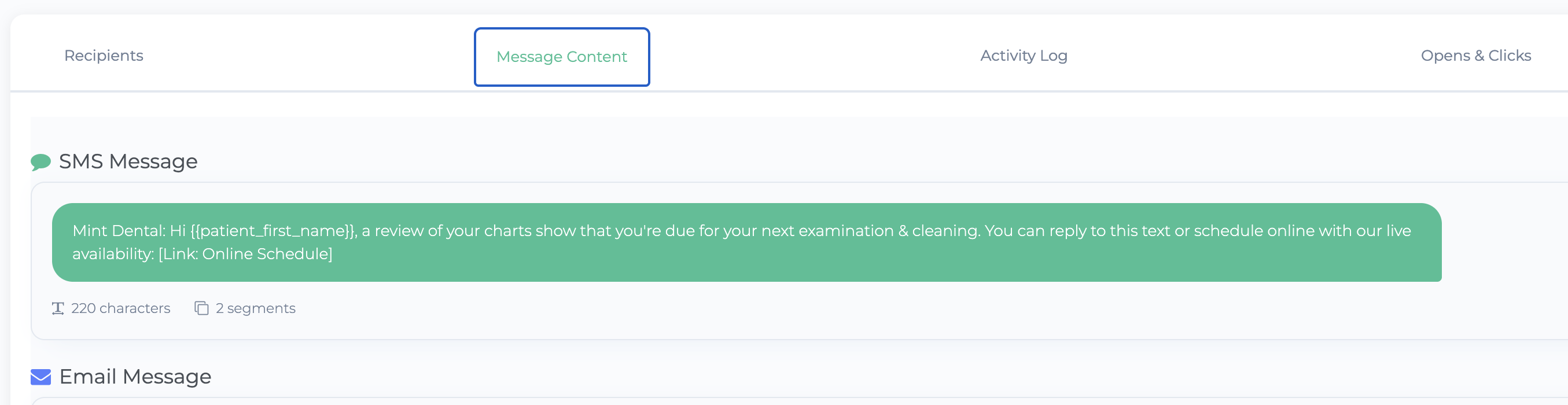
So a reactivation text that says "call the office" is asking them to do the exact thing they've already proven they don't get around to — and it only works during the hours you're open.
Put an online booking link in the message instead.
They read it at nine at night, they book in thirty seconds, it's on your schedule before they've put the phone down.
Every other piece of this gets the message delivered.
This is the only one that removes the reason they didn't respond last time.
6. One stop signal, respected by every channel. (Core + Patient Engagement)
The patient books or tells you no, the record updates once, and everything still queued stops — the texts, the reminders, the call task.
This is the piece people skip and it's the one that decides whether the team keeps running it.
Send a "we miss you" text to somebody who booked on Tuesday, twice, and your front desk will quietly turn the whole thing off. And they'll be right to.
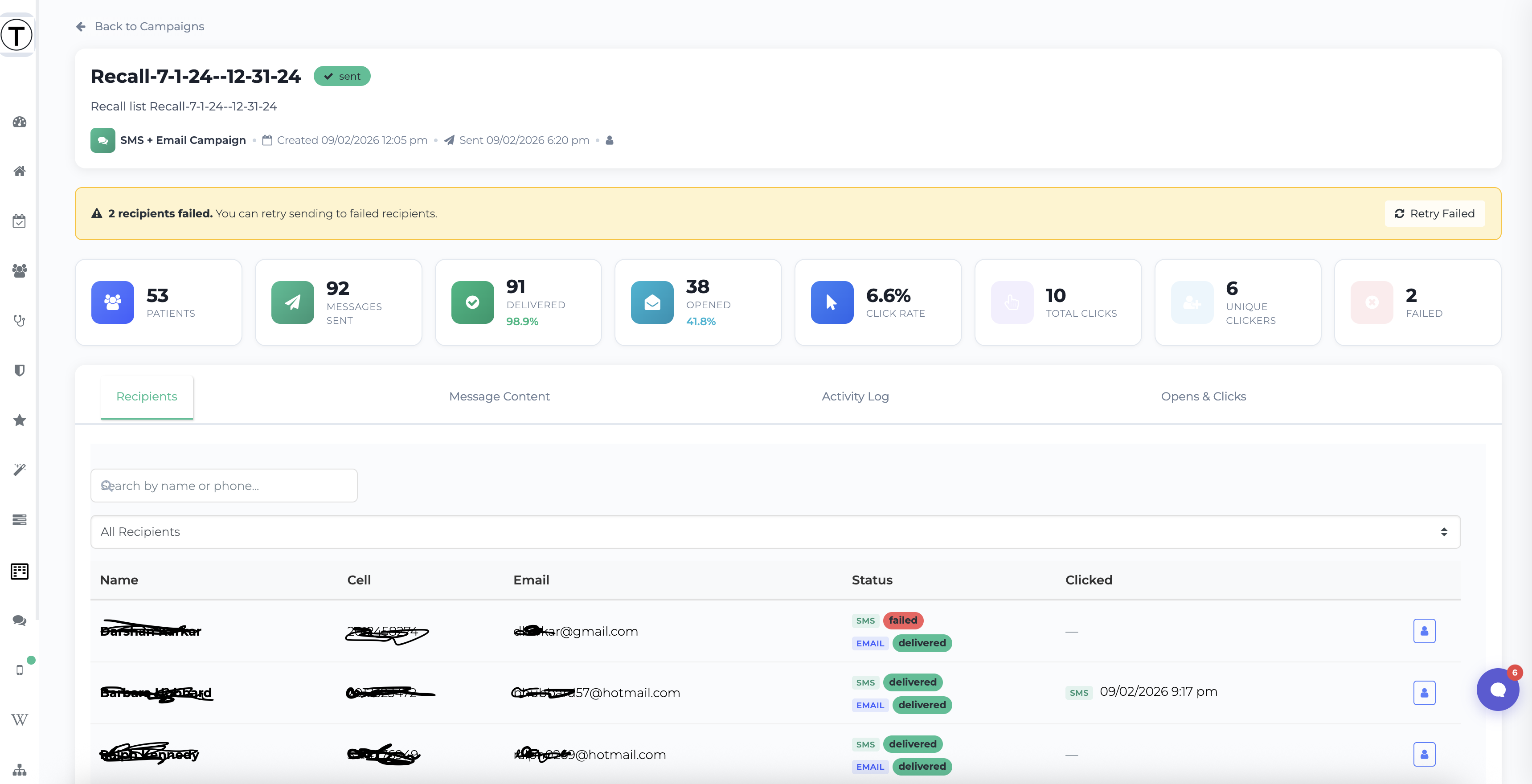
7. Then work the backlog — sorted, in batches. (Patient Engagement)
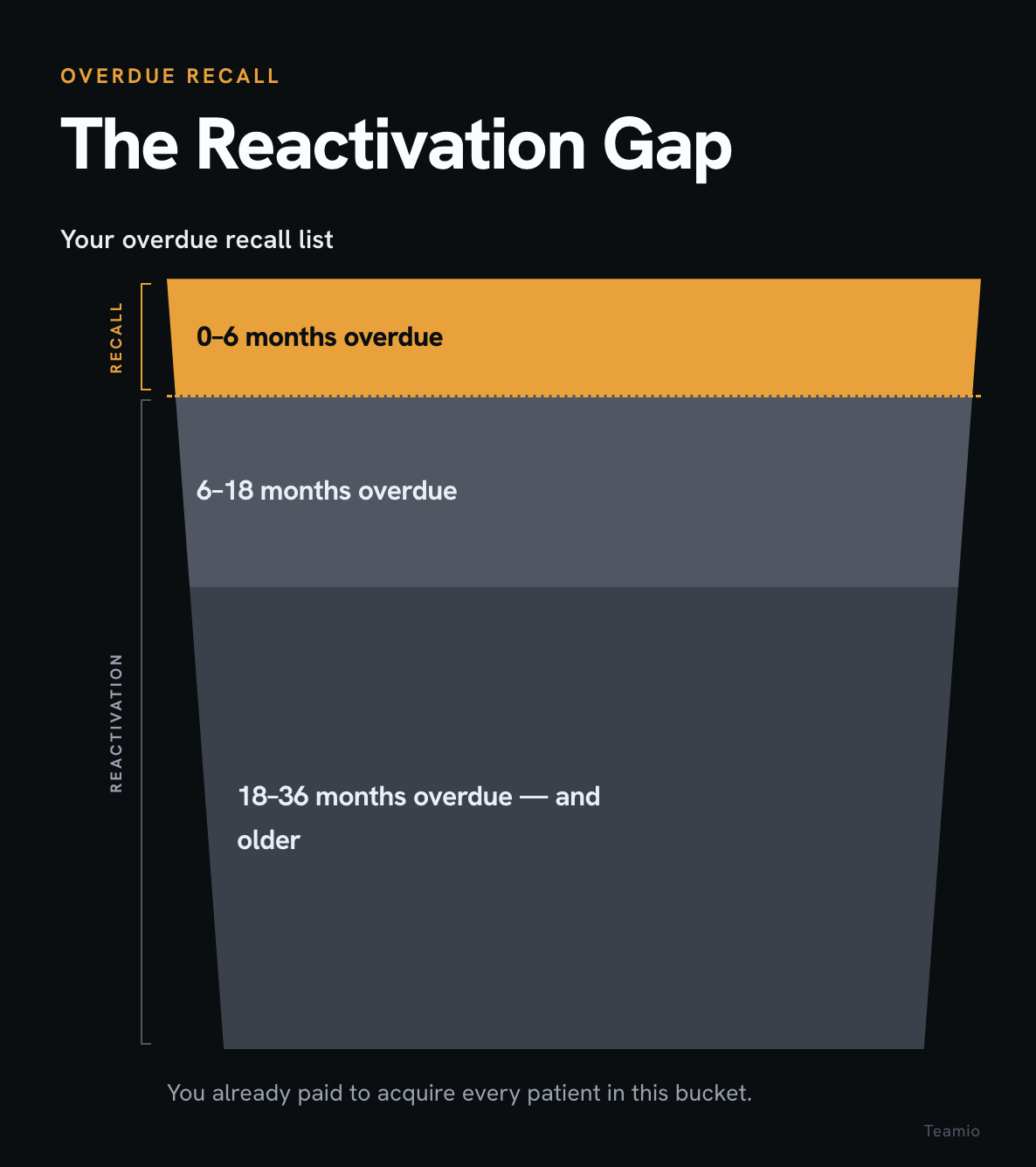
Build the custom list. Two years, not six months. Sort by unscheduled treatment first, because "you still have that crown pending" is a much better call than "you're due for a cleaning." Check for family units while you're in there — reactivating a parent is often three appointments, not one.
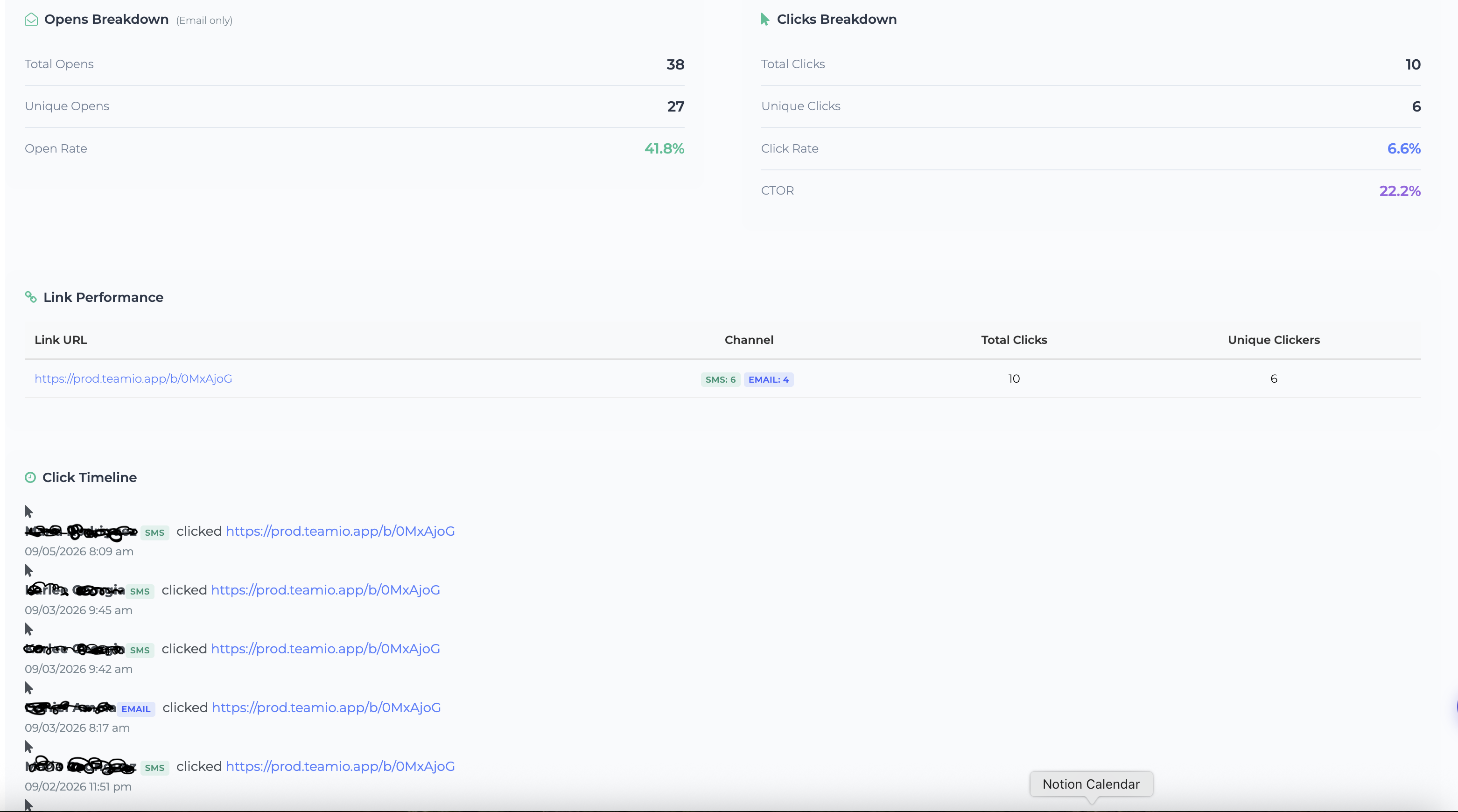
Then send to twenty or thirty a week and watch what comes back. Not six hundred at once. Partly so your schedule can absorb the yeses, and partly so the team sees it working before they've decided it doesn't.
Where the line falls
Reading that back, there's a split worth naming plainly, because I'd rather you hear it from me than go looking for a button that isn't there.
Items 1 through 3 are Core. That's your team working the list — the queue, the ownership, the logging, the SOP.
Items 4 through 7 lean on Patient Engagement.
That's the reach — the automated messages, the campaigns to custom lists, and the booking link that lets a patient say yes at nine at night.
You can absolutely do this on Core alone. You'll just be doing the reaching by hand, and hand-reaching is the part that quietly stops happening around week three.
If you want a hand with it
If you're already with us and you want to actually set this up — the recall intervals, the workflow, the cadence, the campaign — hit reply and say so.
I'll get you on a short call and we'll wire it up in your account. It isn't a sales call; half of what's on this list is sitting in your account already.
And if you're not a client and you just came for the ideas - everything above works with whatever you're running.
If you want to see how it fits together, reply and I'll show you.
Either way — go pull that two-year list this week. Even if you do nothing else with it, the size of it will tell you something.
Talk soon,
Nilay