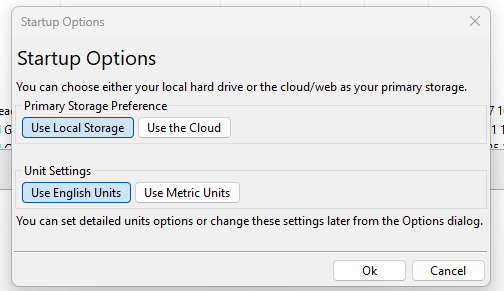
Here you can select whether you prefer to work primarily from the Cloud/Web based storage or use local storage on your own hard drive. You can also select Metric or English units for a quick setup though you can further customize your unit settings on the Tools->Options (BeerSmith4->Preferences on Mac) dialog.
If you select Use the Cloud then the program will ask for your BeerSmithRecipes.com user name and password, and will begin downloading your web based recipes. Also as you start to use ingredients and profiles it will download your cloud based ingredients and profiles on demand. So basically BeerSmith will start up showing your cloud/web data and when you build a recipe it will show the cloud based ingredients, cloud based profiles, and cloud based shopping and inventory. Operations like adding to the shopping list or inventory will work against your cloud based lists by default.
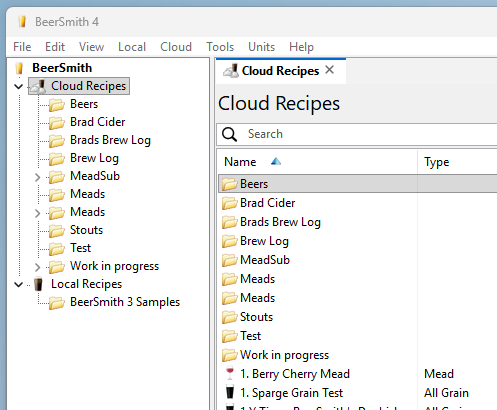
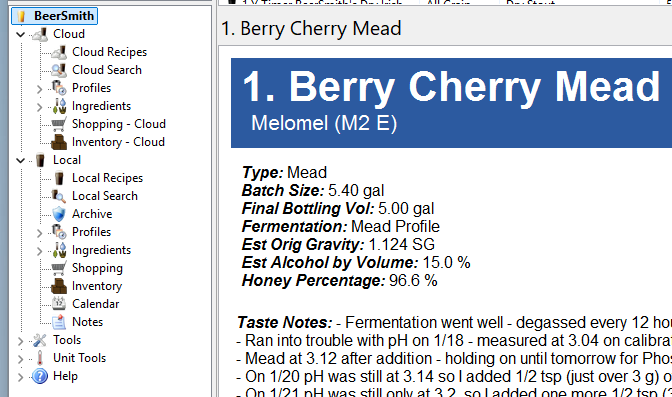
Conversely, if you select Use Local Storage then BeerSmith will use your local hard drive to store recipes, ingredients and profiles. It will work on the local shopping list, inventory, and only items you specifically copy/paste into one of your cloud views will be stored online. Using this option you can still run BeerSmith in a stand-alone mode, without shared data, and the program only needs internet access to activate and if you want to later access your cloud data or new ingredient and profile addons. Can I Still Access Both Local and Cloud Based Data?Choosing either local or cloud mode does not limit your access to the opposite storage. The only major change is which data set appears at startup and acts as your primary storage. For example, in cloud mode, the shortcut bars on the left show the cloud based listings at the top and local below them as you see here: |