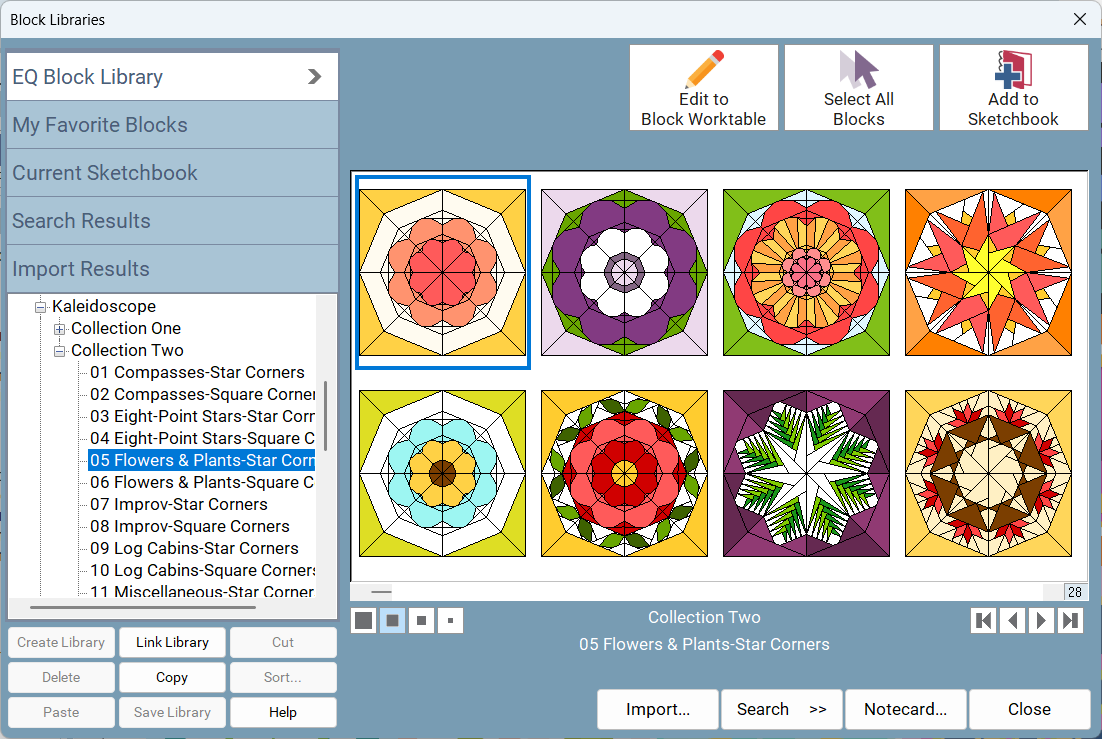
STEP 1: PICK A BLOCK After installing a Kaleidoscope Collection add-on, choose a block (or two, or ten!) from the Block Library. Each add-on has over 500 blocks, so you'll find plenty of options!
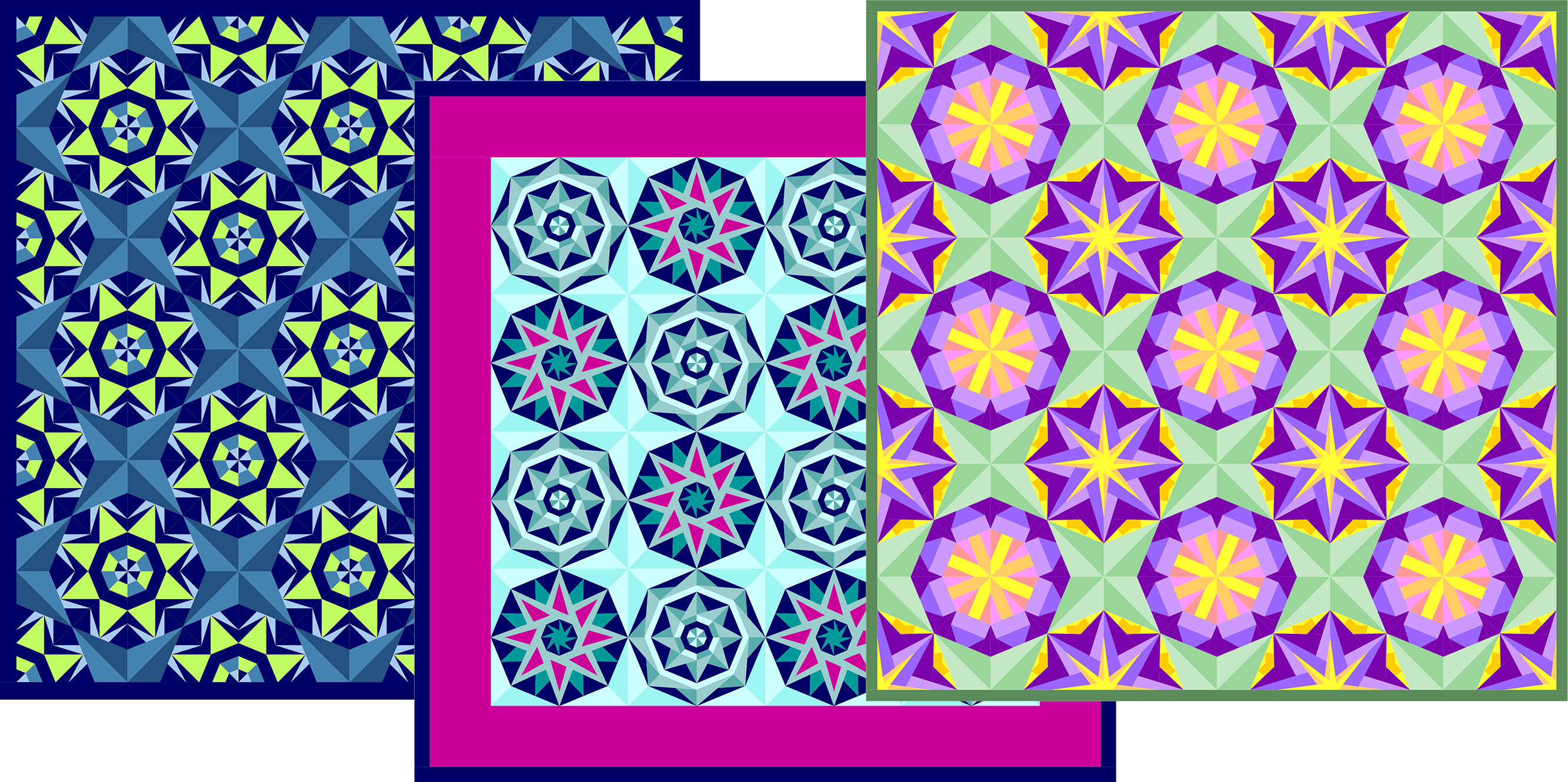
STEP 2: DESIGN A PROJECT Set up your layout however you'd like. Modify the style, block size, borders, and other settings. Then set your block(s) in the quilt and color.
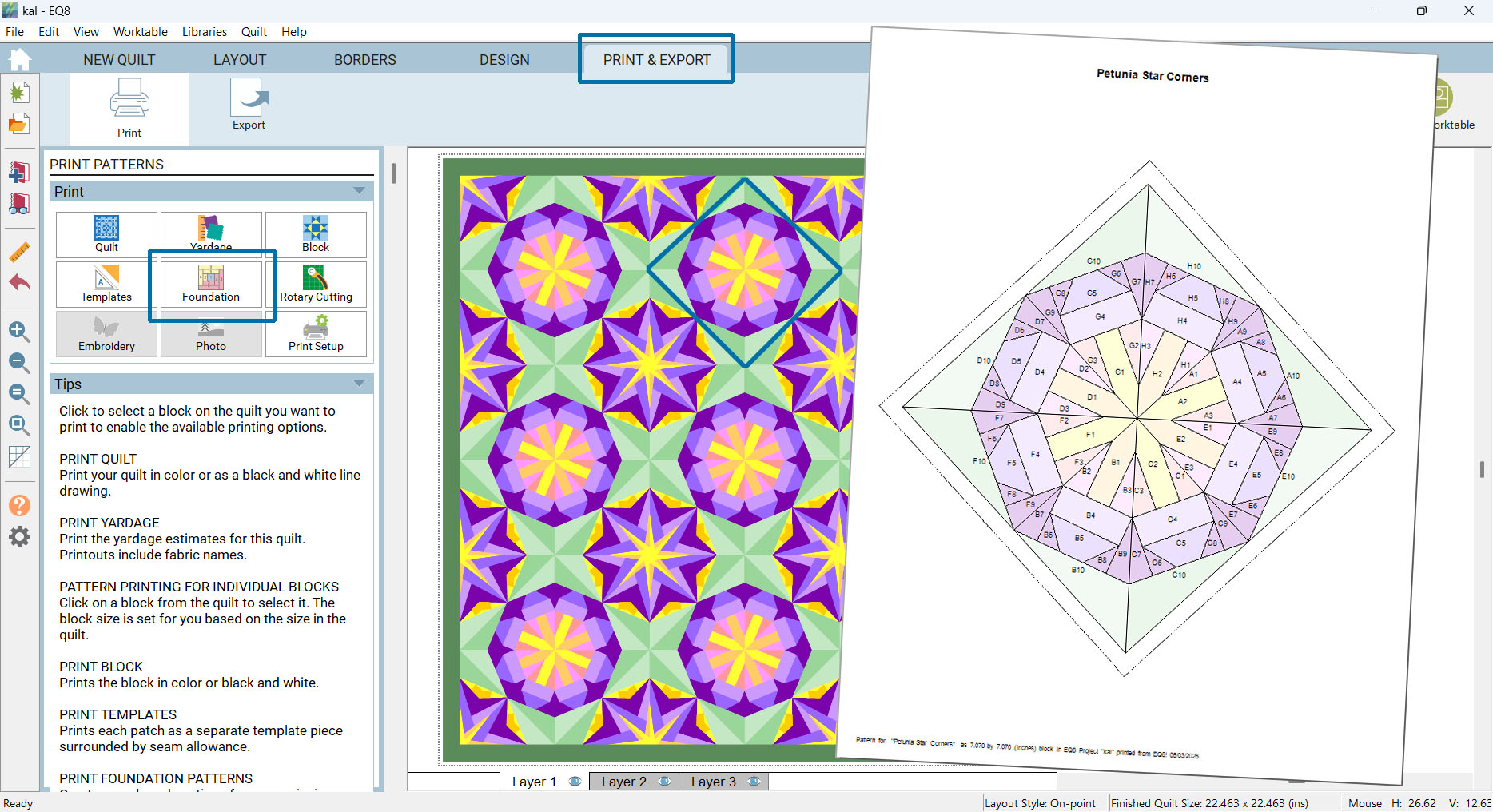
STEP 3: PRINT FPP PATTERN When you're ready to sew, choose Foundation on the Print & Export tab. Print as one unit or separate sections and start stitchin'!
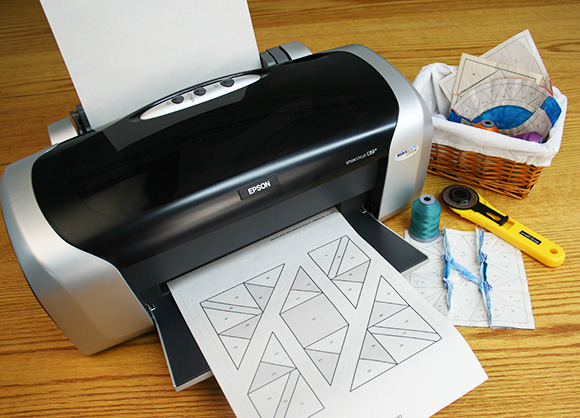
Make your project even easier by printing on Quilter's Newsprint. It's easy to stitch through and tears away smoothly.
An EQ Membership includes an extra 5% savings all year long! That means EQ Members save 25% on Kaleidoscope add-ons and Quilter's Newsprint during the sale. Remember to use the promo code!
Not an EQ Member yet? Join now and the extra 5% will automatically apply to the other items once the EQ Membership product is in your cart!
OFFER DETAILS Offer only applies to Kaleidoscope add-ons and Quilter's Newsprint at ElectricQuilt.com. Requires EQ8. Apply code FPP20 in cart. Cannot be combined with any other offer. Sale ends June 6, 2026 at midnight, ET. All prices are in U.S. Dollars (USD).